Smart Web Export

SketchUp · STEP · IFC · OBJ · GLB

Your 3D model,
in a simple link.

Publish a project in seconds. Your client opens it on their phone, spins it, measures it and places it in their room in augmented reality. No app, no account, no plugin.

Free, no credit card. Nothing to install.

acrealab.com/Tu08TMwh

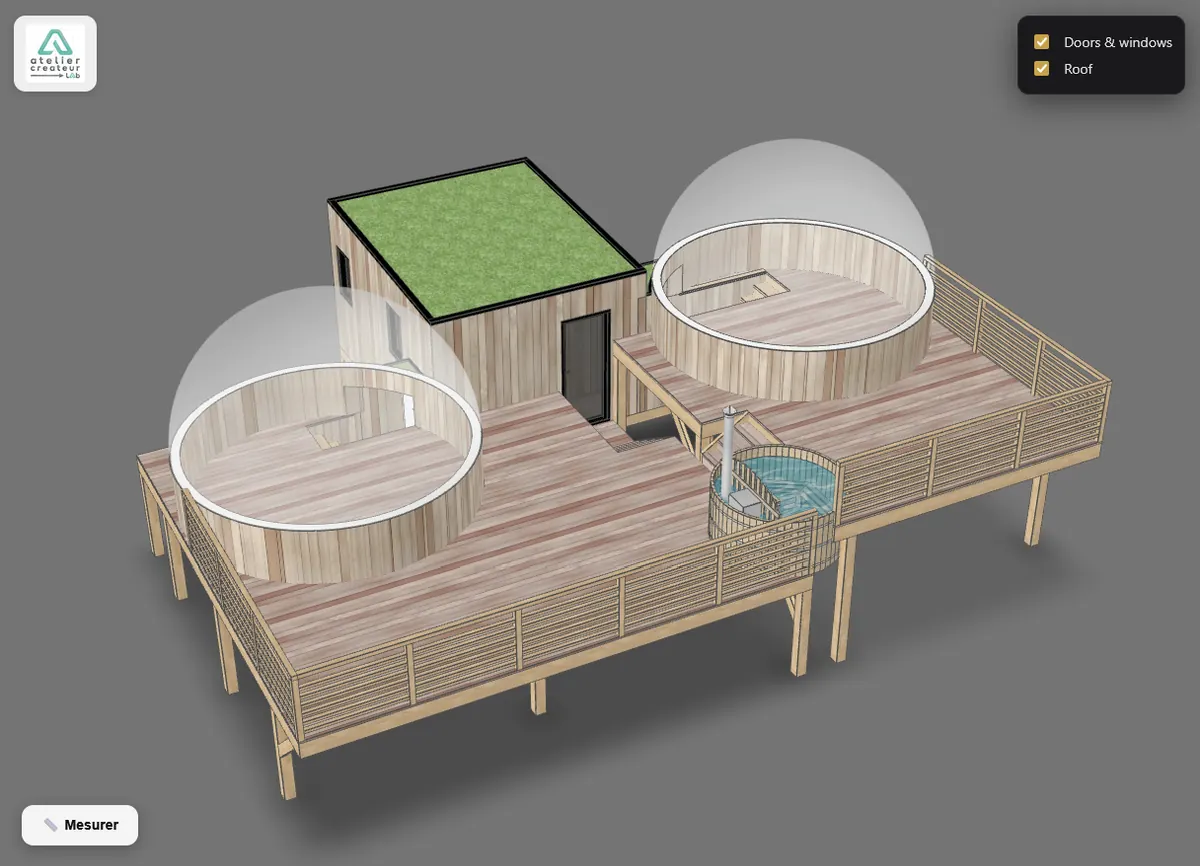
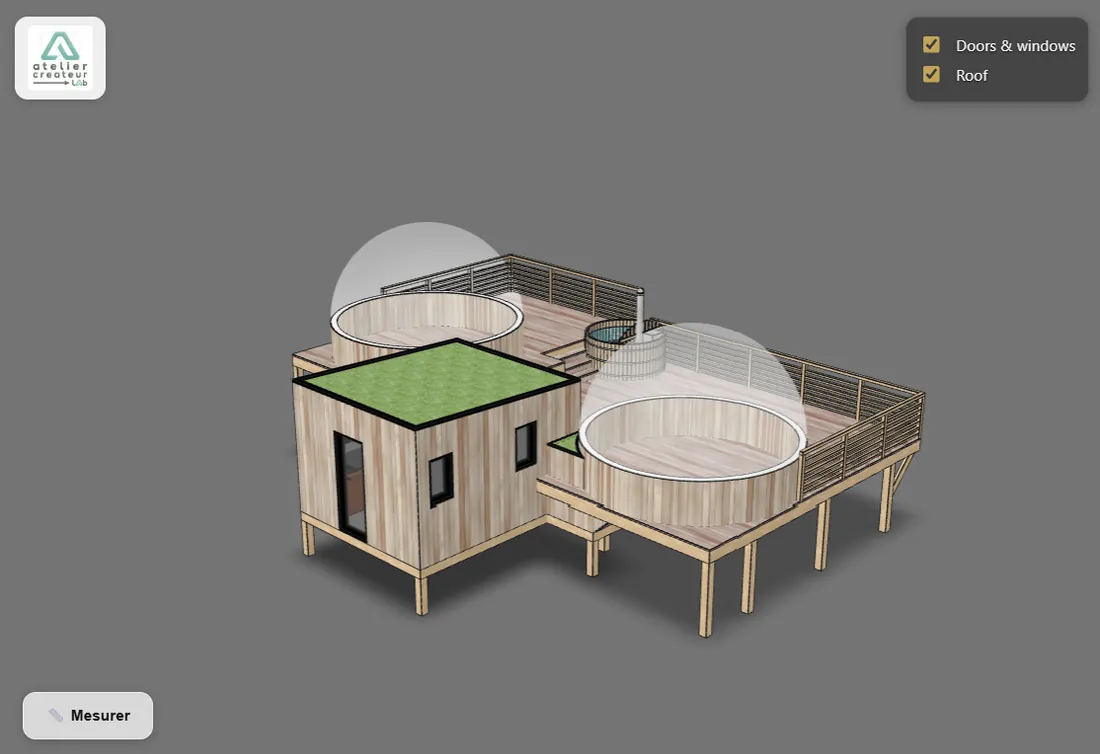
This model is live: give it a spin.

Scan it with your phone to open it in 3D, then place the project on your table.

How it works

From file to link, in three steps

  1. 1

    Upload or export

    From SketchUp with the extension, or by dropping a STEP, IFC, OBJ or GLB file into your browser. Conversion runs on your computer: nothing to install.

    Download the SketchUp extension Version 1.2.0 · 1.4 MB · SketchUp 2021 or later Also on SketchUcation ↗
  2. 2

    Adjust the display

    Background, edges, opening view, parts your client can hide: you see the result before you publish.

  3. 3

    Share

    A short link and a QR code, to send by email or messaging, print on a quote, or embed on your website.

Watch the video demo

Who it’s for

Made for people who design in 3D

One link, four ways to win the client over.

Architects and interior designers

Architects and interior designers

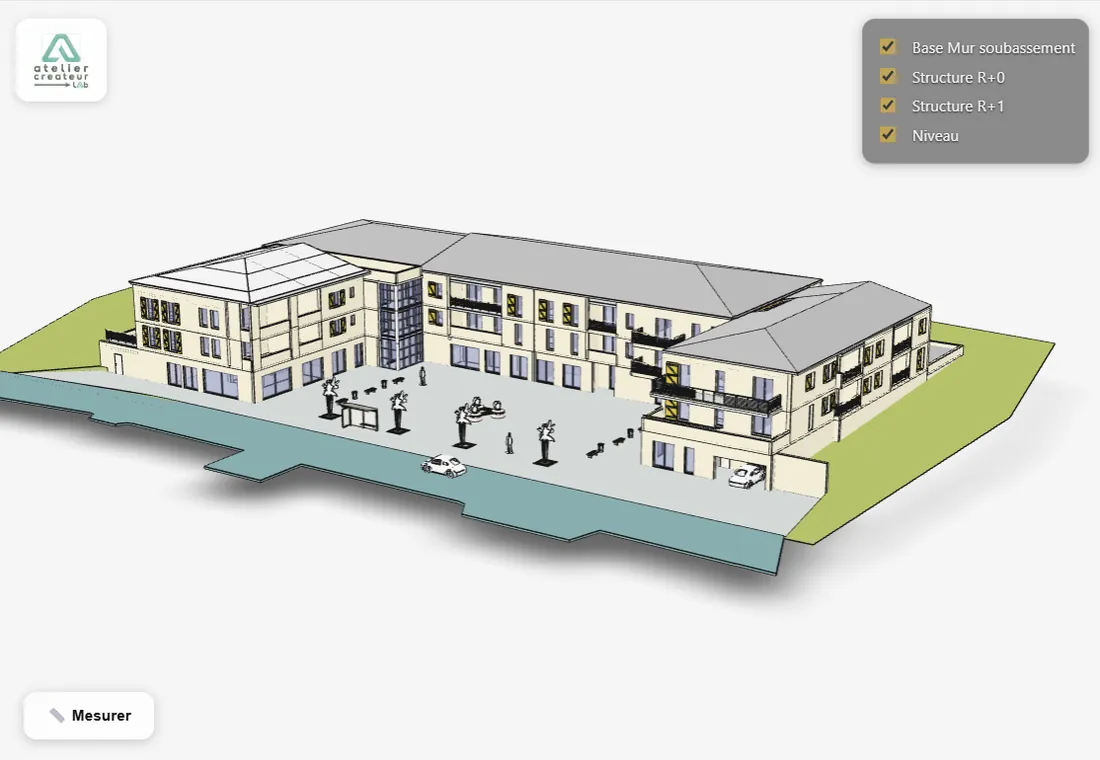
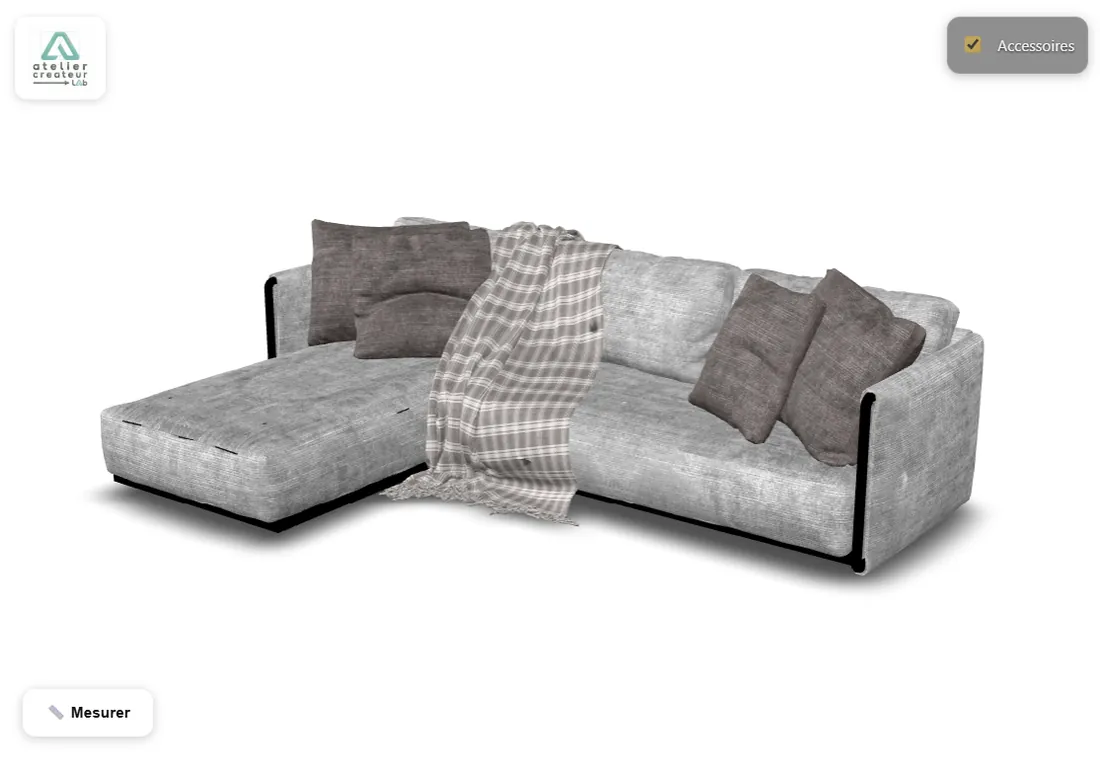
Present a design your client explores on their own, at home, at their own pace, and places in the room in augmented reality.

  • Direct export from SketchUp
  • Roof, furniture or options hidden in one tap
  • Augmented reality on phones and tablets
Try this model in 3D
Download the SketchUp extension Version 1.2.0 · 1.4 MB · SketchUp 2021 or later Also on SketchUcation ↗
Fitters, joiners, furniture makers

Fitters, joiners, furniture makers

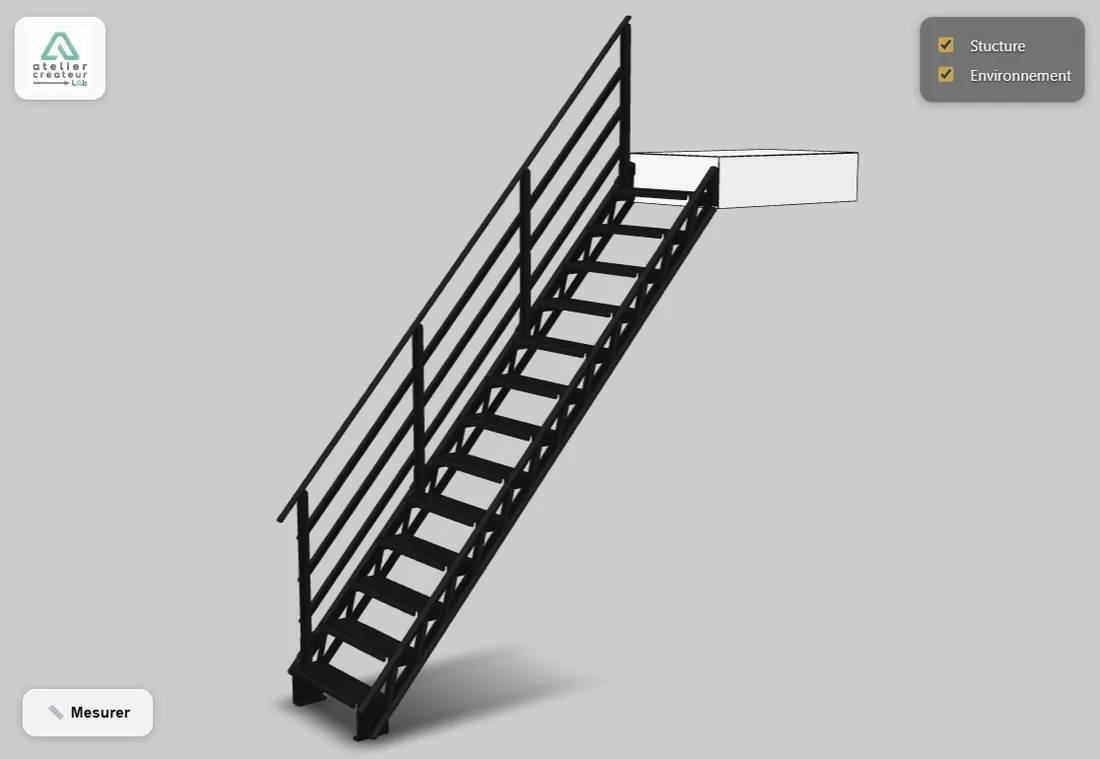
Get a kitchen, a piece of furniture or a fit-out approved before manufacturing. Your client walks around it, measures, pictures it.

  • Built-in measuring tool
  • Your logo on every model
  • Embeddable on your website or shop
Try this model in 3D
Industry and engineering

Industry and engineering

Share a STEP part or assembly with a client, a supplier or a workshop, without them needing any CAD software.

  • STEP converted in the browser
  • Exact edges, parts grouped into layers
  • Nothing to install for whoever gets the link
Try this model in 3D
BIM and construction

BIM and construction

Make an IFC model readable by everyone: owner, trades, site teams, from a simple phone.

  • Split by storey or by object type
  • Storeys and trades shown or hidden on demand
  • Viewable on site
Try this model in 3D
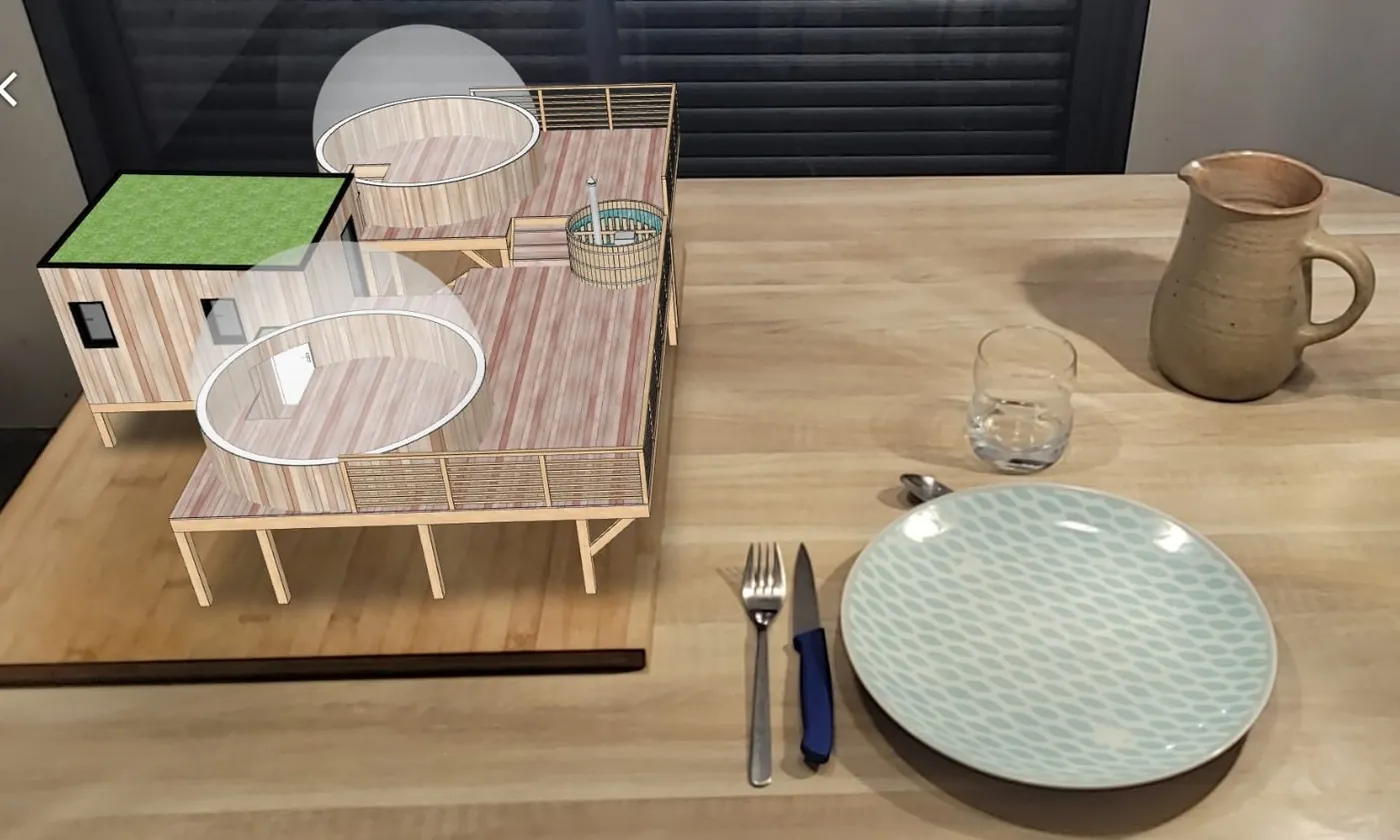
A SketchUp project placed on a table, seen through a phone.

Augmented reality

Put the project on the table. Or in the living room.

In one tap, the model leaves the screen and takes its place in the room. Your client walks around it, steps closer, pictures it, straight from the browser.

Augmented reality on iPhone and iPad, and on Android with the Chrome browser. On Android, other browsers show the model in 3D, without the augmented reality mode.

Convert your 3D file

Supported formats

Files from your software, as they are

Export from the software you already use and drop the file: Smart Web Export converts and publishes it. Nothing to install, except the extension if you work in SketchUp.

SketchUp .skp

Direct export from SketchUp with the extension, layers and units included.

Exported by, among others SketchUp 2021+

STEP .step · .stp

Mechanical CAD parts and assemblies, converted in your browser, exact edges included.

Exported by, among others SolidWorks · Fusion · Inventor · CATIA · Creo · Onshape · FreeCAD

IFC .ifc

BIM models, split by storey or by object type, with edges derived from the geometry.

Exported by, among others Revit · Archicad · Allplan · Vectorworks · Tekla Structures · BricsCAD BIM

OBJ .obj · .mtl

Textured meshes, uploaded with their .mtl file.

Exported by, among others Blender · 3ds Max · Rhino · Cinema 4D · Maya

GLB .glb

The web’s 3D format: published as is, compressed if needed.

Exported by, among others Blender · Rhino · SketchUp 2024+

The names mentioned are trademarks of their respective owners. Smart Web Export is not affiliated with any of these publishers.

Features

Everything you need to convince, nothing you don’t

  • Measuring

    Your client measures the distance between two points themselves, in the project’s units.

  • Hideable layers

    Pick up to six groups (roof, furniture, options) that your client can show or hide.

  • White label Paid plans

    Your logo and your website on every model, instead of ours.

  • Embed on your site Paid plans

    A code to paste to show the model in your pages, at any screen width.

  • Same link, updated model

    Fix the project and republish: the link and QR code you already sent keep working.

  • View counts Paid plans

    Know whether your client opened the link, and when.

  • Lighter files

    Automatic compression: the demo model goes from 10.5 MB to 1.7 MB and opens fast, even on 4G.

  • You stay in control

    Publication length, pause, reactivation: you decide who sees what, and until when.

Pricing

Simple pricing, no commitment

Start for free. Move to a paid plan when your projects call for it.

Free

€0/mo


3 active models

  • Published for 7 days
  • Augmented reality and measuring
  • Link and QR code
Start for free

S

€9€7.50/mo

 Billed €90 per year

10 active models

  • White label: your logo
  • Choose how long it stays online
  • View counts and pausing
  • Embed code
Choose S
Popular

M

€19€15.83/mo

 Billed €190 per year

25 active models

  • White label: your logo
  • Choose how long it stays online
  • View counts and pausing
  • Embed code
Choose M

L

€59€49.17/mo

 Billed €590 per year

100 active models

  • White label: your logo
  • Choose how long it stays online
  • View counts and pausing
  • Embed code
Choose L

XL

€119€99.17/mo

 Billed €1,190 per year

500 active models

  • White label: your logo
  • Choose how long it stays online
  • View counts and pausing
  • Embed code
Choose XL

Secure payment via Stripe · Cancel anytime

More than 500 models, or a tailored offer? Contact us

FAQ

You may be wondering

Does my client need to install anything?

No. The link opens in any recent browser, on a phone, tablet or computer. No app, no account.

Which formats are supported?

SketchUp, with the extension (SketchUp 2021 or later, on Windows and macOS). STEP, IFC, OBJ and GLB, right in your browser from your online space.

Do I need SketchUp to use Smart Web Export?

No. The SketchUp extension is one way in among others: STEP, IFC, OBJ and GLB files are published without it.

How large can a file be?

Up to 52 MB per model, once compressed. Most projects are far smaller.

Who can see my models?

The people you give the link to: its address cannot be guessed. You can pause or delete it at any time.

How long does a model stay online?

7 days with the free account. With a paid plan, you choose how long, or no limit at all.

Can I change plan or cancel?

Yes, at any time, from your space. Subscriptions are monthly or annual, with no commitment beyond the period paid.

Can I show my own logo?

Yes, with any paid plan: your logo and a link to your website replace ours on your models.

Which phones support augmented reality?

iPhone and iPad, and Android phones and tablets with the Chrome browser. On Android, other browsers show the model in 3D as usual, without the augmented reality mode.

How do I install the SketchUp extension?

Download the .rbz file from this page, then in SketchUp: Extensions, Extension Manager, Install Extension. The extension is signed, so SketchUp recognises it. It is also available on SketchUcation.

Your next project deserves better than a screenshot.

Publish it in 3D. It’s free to start.

Convert your 3D file